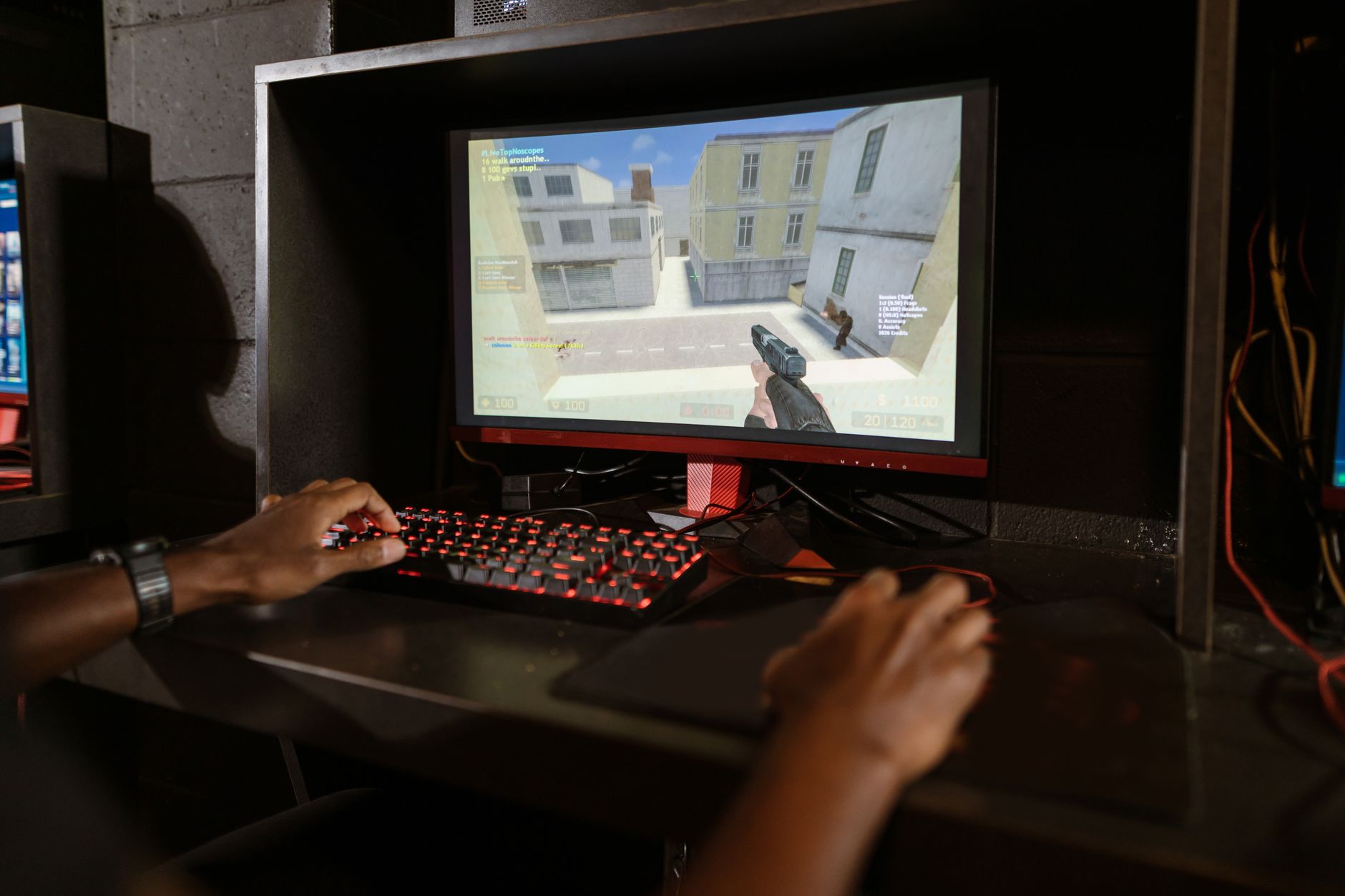
The original 2015 Steam Controller—famously discontinued and fire-sold for $5 in November 2019—is experiencing a massive revival. It was never a clunky Xbox substitute. It is a highly configurable, wearable mouse-and-keyboard replacement. If you have one gathering dust, digging it out of the closet is the fastest way to play strategy games, classic shooters, and complex PC titles from your couch.
The Misunderstood Geometry of Dual Touchpads
Most players abandoned the original Steam Controller within a week because they made a fundamental error: they expected it to behave like a standard console gamepad. It doesn't. If you pick up this device and try to play a traditional twin-stick action game, the dual haptic touchpads feel alien, imprecise, and frustrating. You will immediately understand why Valve couldn't get rid of them fast enough in 2019.
That initial friction hides the controller's actual purpose. The right touchpad is not a flattened analog stick. It is a virtual trackball.
When you swipe your thumb across the right pad, the internal haptic actuators fire in sequence. It produces a physical clicking sensation that perfectly mimics the heavy, rolling momentum of a physical trackball. Swipe hard, and the virtual ball keeps spinning, letting your cursor fly across a television screen. Catch it with your thumb, and the cursor stops dead. This asymmetry changes everything. You sacrifice the constant, sustained directional input of a plastic stick, but you gain the raw speed and flick-targeting of a desktop mouse.
Look closely at the physical layout. The original Steam Controller lacks symmetrical analog sticks. It features exactly one analog stick, positioned awkwardly where a traditional D-pad usually sits. Meanwhile, the actual D-pad is replaced by the massive left touchpad. If you try to use that left pad for traditional fighting games, you hit an immediate wall. It relies on four distinct directional clicks rather than a central pivot point, making rolling inputs for fireballs or combo strings feel rigid and unnatural. The face buttons are shoved to the bottom right corner, forcing your thumb into an uncomfortable claw grip if a game demands constant jumping or dodging.
This physical asymmetry is exactly why it failed as a mainstream controller. Yet, for PC-centric genres, these oddities become strengths. The massive surface area of the touchpads allows you to play point-and-click adventures, dense grand strategy games, and city builders from a sofa. The hardware bridges the gap between a desk setup and a television screen. The people who kept using the controller for the past seven years didn't just tolerate its weird geometry; they weaponized it to play games that fundamentally reject normal controllers.
Steam Input is the Real Brain Behind the Plastic
Hardware only solves half the living room equation. The real reason a seven-year-old plastic shell holds up against modern premium gamepads is the software driving it. The Steam Controller was the Trojan horse for Steam Input, Valve’s massively complex controller configuration layer.
This is where the decision archaeology of the device becomes clear. Valve needed a way to translate decades of legacy PC games—titles with zero native controller support—into a couch-friendly experience. You cannot map thirty keyboard hotkeys to an Xbox controller without running out of buttons.
With the Steam Controller, you never run out of buttons. Steam Input allows you to extract absurd utility from the hardware. A few specific configurations change the entire experience:
- Dual-Stage Triggers: Map the soft pull to aiming down sights, and the hard mechanical click at the bottom to firing the weapon.
- Virtual Radial Menus: Turn the left touchpad into a nine-button overlay on your screen, instantly mapping to inventory or spell slots.
- Mode Shifting: Hold a grip button to completely change the function of the right trackpad on the fly.
But the absolute hidden variable of the entire setup is gyro aiming.
By default, the controller's internal gyroscope activates the moment your right thumb touches the right trackpad. This creates a two-tiered aiming system. You use the trackpad for broad, sweeping camera movements—spinning 180 degrees to face an enemy. Then, you physically tilt the controller in your hands to fine-tune the crosshair for a headshot. It requires a brutal rewiring of your muscle memory. The first few hours feel intensely unnatural. Once it clicks, however, gyro-assisted trackpad aiming offers a level of precision that traditional analog sticks simply cannot match without heavy software aim-assist.
The bottleneck here is configuration fatigue. Booting up a new game rarely means hitting "play" and leaning back. You will spend your first 20 minutes in Steam Input menus. You will tweak deadzones, adjust trackball friction, and download community-made layouts. It is a tinkerer's dream, which inherently makes it a plug-and-play nightmare.
What to Play First (And What to Avoid)
If you are pulling an old Steam Controller out of storage, your first game choice dictates whether you stick with it or throw it back in the drawer.
Do not start with an action-heavy console port. Games built around dual analog sticks, like third-person brawlers or modern racing games, will highlight every weakness of the touchpad design. The lack of a true right stick makes continuous camera panning feel like a chore.
Instead, start with a game that historically demands a mouse. Turn-based tactical games are the perfect training ground. Because the pace is slow, you can practice the trackball momentum of the right pad without the pressure of incoming fire. You will quickly realize how much faster you can click through complex UI menus with a touchpad compared to slowly tabbing through them with shoulder buttons.
| Game Genre | Steam Controller Experience | Traditional Gamepad Experience |
|---|---|---|
| Grand Strategy | Excellent (Trackball cursor) | Unplayable |
| Twin-Stick Shooters | Poor (No right analog stick) | Excellent |
| Point-and-Click | Great (High precision) | Frustrating |
For a concrete hypothetical example, imagine playing a complex city builder. Using an Xbox controller, you would have to hold a trigger and slowly cycle through building menus using the bumpers. With the Steam Controller, you can map a nine-way radial menu to the left touchpad. Touching the top of the pad instantly selects residential zoning; touching the bottom selects roads. You execute commands in a fraction of the time.
Once you master the basic cursor movement, graduate to a slow-paced first-person game. Exploration games or puzzle titles work best. This is where you force yourself to learn the trackpad-plus-gyro aiming loop. Keep the gyro sensitivity low at first. Let your wrists do the micro-adjustments while your thumb handles the heavy turning.
A major decision shortcut for returning players: ignore the official developer configurations. The community layouts found in Steam Input are almost universally better. Players have spent years optimizing the exact friction curves and radial menus for older PC titles. Sort the community layouts by most downloaded and apply the top result. It saves you the headache of manually assigning keyboard bindings to a device that looks like it belongs on a spaceship.
The Couch-PC Verdict
Stop treating the Steam Controller as a failed competitor to the Xbox or PlayStation gamepad. It is a highly specialized piece of translation hardware designed to make desktop-bound PC games playable from a sofa. If you own the original 2015 model, pull it out, download a community layout for a mouse-heavy strategy game, and turn on gyro aiming. It remains the definitive way to unlock your PC's living room potential.