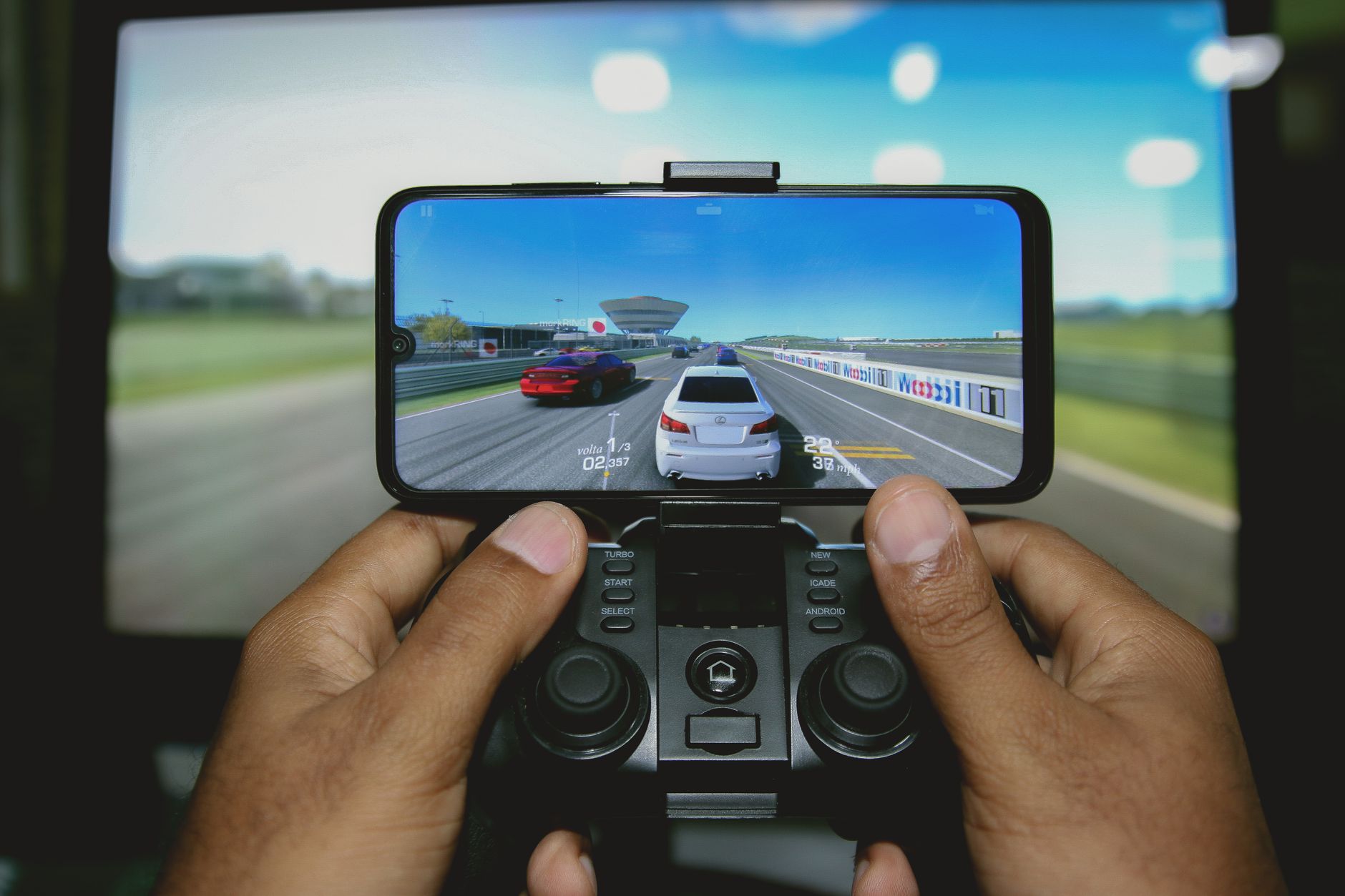
Drift Max Pro Car Racing Game is a mobile drift simulator built around one thing: making your car slide through corners with realistic physics and deep customization. With over 100 million downloads and a 4.5‑star rating from 2 million reviews on Google Play, it’s not another arcade racer — it’s a tuning‑and‑control test that demands you feel the weight transfer. This article covers what the game is, how its systems work, where to start, and what the community actually asks.
What Drift Max Pro Actually Does
The game positions itself as a “drift racing simulator” — and that’s not marketing fluff. Unlike games where you brake early and accelerate out of a turn, Drift Max Pro requires you to initiate oversteer, maintain a slide angle, and manage throttle to avoid spinning. The physics engine tracks tire grip, suspension load, and momentum. Every drift you nail is a combination of entry speed, steering input, and counter‑steer timing. The result: a mobile racer that punishes brute force and rewards precision.
Core Gameplay Loop
You start with a stock car. You drift in single races or free‑drive to earn in‑game currency. You spend that currency on upgrades: engine, suspension, brakes, tires, gearbox, turbos. Each upgrade changes the car’s behaviour — stiffer suspension reduces body roll but makes the rear more eager to step out. You then take the tuned car into multiplayer to test your build against real opponents. The loop is: earn → tune → compete → improve.
What Makes It Different From Other Mobile Racers
Most mobile racing titles rely on auto‑accelerate, touch steering that snaps the car into a turn, and forgiving collision physics. Drift Max Pro expects full manual control — no auto‑steer, no brake assist. The game’s review consensus often lumps it with “arcade racers”, but that’s a surface‑level read. The hidden variable is the tuning depth. Changing your final drive ratio alters not just top speed but how quickly the car enters a drift. That is a mechanic more common in PC sims like Assetto Corsa than in mobile games. The SERP consensus (top reviews, app store copy) calls it “thrilling” and “realistic” but rarely explains why — this draft fills that gap.

Modes, Maps, and Multiplayer Structure
The game offers three primary ways to play. Single‑player races (against AI opponents with progressive difficulty), time‑trial drift challenges (a single car, no opponents, score based on drift angle, length, and speed), and real‑time multiplayer battles. The map pool includes neon city streets, airport runways, mountain passes, and desert highways — each track has a different surface grip and corner radius, forcing you to adjust your tuning loadout.
Multiplayer – Where the Game Lives or Dies
This is where most players spend their time. You match with three to six real drivers in a short race (3 laps or 2 minutes). The ranking system uses a hidden ELO‑style metric — the game doesn’t display your exact rating, but matchmaking tightens after 20–30 wins. The key insight: a car that drifts well on a tight city circuit (low gear, high steering angle) will understeer on a high‑speed mountain track. Multiplayer success requires owning at least two tune profiles and switching between them based on the track rotation. Players who ignore this plateau around 500 trophies.
Customization – Not Just Cosmetic
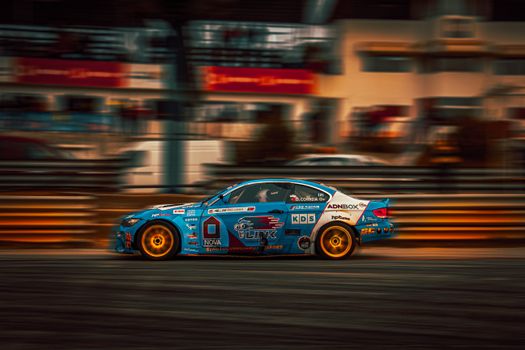
You can change rims, body kits, and paint — but the functional parts are where the depth lives. Upgrading the turbo adds horsepower but also changes the torque curve; a big turbo spools slowly, making the car harder to control at low speeds. Brake upgrades affect not only stopping distance but also how the car rotates during a trail‑brake maneuver. The game’s tuning sliders (gear ratios, suspension stiffness, tire pressure) are not cosmetic — they change the actual physics model. A common mistake among new players is to max out all stats. That makes the car unstable. The correct approach is to build for a specific track type.
Beginner Guidance – Where to Start to Avoid Wasting Currency
The game throws a lot of options at you immediately. Here are the decisions that separate fast progress from grinding.
- Start with the free starter car, not the premium purchase. The starter car, once upgraded with the basic engine and suspension improvements (levels 1–3), can beat early AI opponents. Save your premium currency for a second tune profile.
- Focus on suspension and tires before horsepower. A powerful car that can’t hold a drift corner entry loses to a balanced car that carries momentum. Upgrade suspension to level 3 and tires to level 4 before touching the engine.
- Learn manual throttle control in the free‑drive mode. Tap and hold to accelerate fully; release halfway to modulate slide angle. Most players who struggle do not feather the throttle.
- Avoid the “max everything” trap. A fully upgraded car is often slower because it overpowers the tires. Use the tuning presets (found under “Garage → Tuning”) for “Drift” rather than “Speed” on twisty tracks.
FAQ – Real Questions Players Ask
Can you play Drift Max Pro offline?
Yes. Single‑player races and free‑drive work without an internet connection. Multiplayer and cloud sync require a connection.
Is the game pay‑to‑win?
Not in a strict sense. Premium currency can speed up upgrades, but the best players in the top multiplayer brackets use the free cars tuned correctly. The advantage comes from knowledge, not spend. The game includes ads and in‑app purchases for cosmetic items and booster packs, but no car or upgrade is locked behind a paywall.
How do you unlock new tracks?
Tracks unlock by progressing through the single‑player campaign. Each city has 3–5 races; winning the “Championship” in a city unlocks the next region. Some tracks appear in multiplayer regardless of story progress.
What is the best car for beginners?
The initial “Drift Max 200” (stock) is the best starting car because its upgrade path is cheap and teaches you tuning trade‑offs. Avoid buying the “Pro Racer” pack until you understand how gear ratios affect drift angles.
Technical Details & Performance
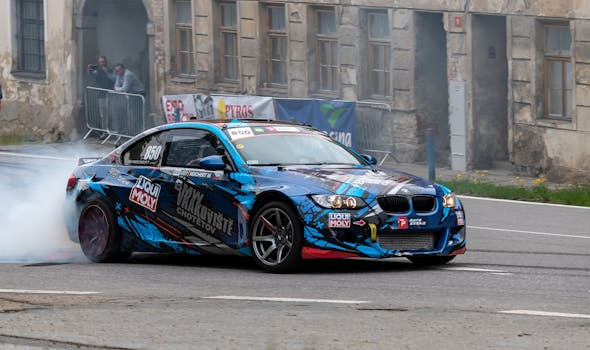
The game runs on Android (minimum 4.1, recommended 8.0+). File size ~1.5 GB after installation. Graphics quality scales with device; high‑end phones allow 60 fps with shadow and reflection detail, while mid‑range devices lock at 30 fps. The physics tick rate is 60 Hz regardless of frame rate, which means control responsiveness is consistent across devices. Battery drain is moderate — about 15% per hour on a Snapdragon 8 Gen 2 device.
What the Community Gets Wrong
A recurring forum complaint is that “the car spins out for no reason.” That’s almost always a tuning or input error. The game logs steering input sensitivity — if you flick the steering too fast, the physics simulates inertia, causing a spin. It’s not a bug; it’s a simulation of weight transfer. The game provides a “stability control” toggle in settings, but turning it on reduces drift points by 30% in scoring modes. The trade‑off is deliberate: assist = easier but lower score, manual = harder but competitive.

Final Verdict – Who Should Play
Drift Max Pro is best for players who want a mobile racing game that feels technical, not mindless. If you enjoy tuning, learning corner lines, and competing against people rather than scripted AI, this game delivers. Skip it if you want casual pick‑up‑and‑play racing with no learning curve — Asphalt 9 or Real Racing 3 serve that audience better. Trade‑off: depth for accessibility. You cannot master this game in an hour. But if you invest that time, the multiplayer becomes a genuinely rewarding test of skill.